How Docker Works Under the Hood
Docker containers aren't tiny VMs. They're Linux processes wrapped in namespaces, cgroups, and OverlayFS — here's how the kernel primitives actually fit together.
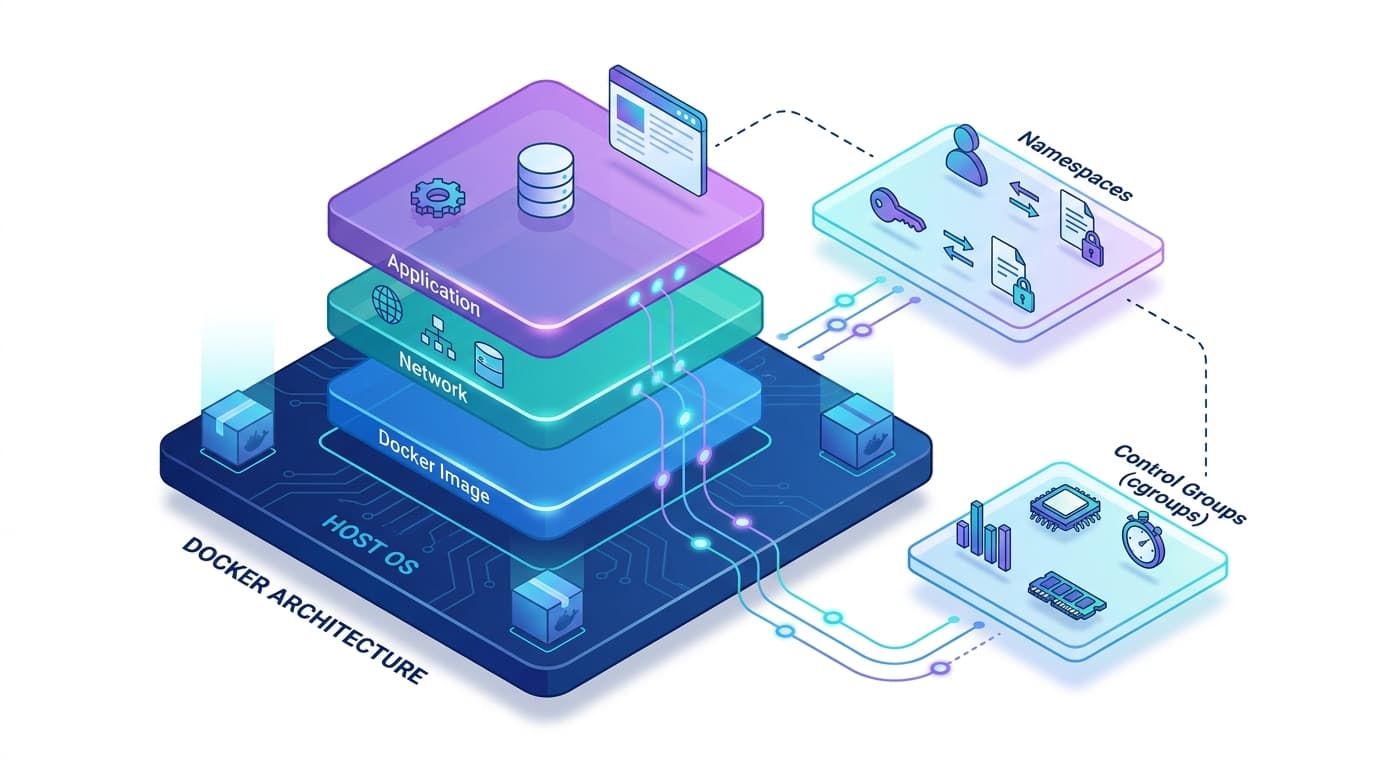
How Docker Works Under the Hood
A container isn't magic. It's not a VM. It's not even really a "thing" in any meaningful kernel sense.
When you run docker run nginx, you're ultimately just starting a process — the nginx binary — with some clever kernel configuration around it. The illusion of an isolated OS is stitched together from three Linux primitives: namespaces, cgroups, and union filesystems. Docker's job is mostly to wire these together in the right order and expose a decent API on top.
Let's pull back the curtain.
The Mental Model
Before diving into each layer, here's the full picture of what happens when a container starts:
The CLI is an HTTP client. dockerd talks to containerd over gRPC. containerd spawns a shim, which runs runc, which actually calls into the kernel. By the time the container is running, Docker (the brand) is mostly out of the picture — the container lives as a kernel construct, not a Docker construct.
Linux Namespaces: The Illusion of Isolation
Namespaces are the kernel feature that makes a process think it owns the whole machine. Linux has eight types (man 7 namespaces), and it is worth being precise about which ones a default container actually gets, because the list you see in most write-ups is wrong. The authority is runc's own default spec in libcontainer/specconv/example.go: it asks for PID, network, IPC, UTS and mount, and adds cgroup only when the host is running cgroups v2 in unified mode.
| Namespace | What it isolates | In a default container? |
|---|---|---|
| PID | Process tree — PID 1 inside the container is some other PID on the host | yes |
| NET | Network stack, interfaces, routing tables, ports | yes |
| MNT | Filesystem mounts — the container gets its own mount tree | yes |
| UTS | Hostname and domain name | yes |
| IPC | System V IPC, POSIX message queues | yes |
| CGROUP | What the process sees as its cgroup root | yes on cgroups v2 (--cgroupns=private is the daemon default) |
| USER | UID/GID mappings — root inside can map to non-root outside | no, opt-in |
| TIME | Boot and monotonic clocks (Linux 5.6+) | no, runc never requests it |
The two "no" rows are the interesting ones. The time namespace exists but nothing in the Docker or runc default path touches it, so CLOCK_BOOTTIME inside your container is the host's. And the user namespace being off by default is the single most consequential thing on this page — see below.
When runc creates a container, it calls clone() with the relevant namespace flags:
clone(child_func, stack,
  CLONE_NEWPID | CLONE_NEWNET | CLONE_NEWNS | CLONE_NEWUTS | CLONE_NEWIPC,
  &args);
The child process gets fresh, empty namespaces — it inherits none of the parent's namespaced resources. You can see this yourself, but not with ps: the official nginx image is built FROM debian:trixie-slim and installs only the nginx packages plus gettext-base and curl, so procps is absent and ps does not exist inside it. Count the PID namespace directly instead:
# On the host — every process on the box
ls /proc | grep -c '^[0-9]'

# Inside the container — only what lives in its PID namespace
docker exec my-nginx sh -c "ls /proc | grep -c '^[0-9]'"

# Or ask the daemon, which reads the host view and translates
docker top my-nginx
The container number will be a handful — an nginx master plus however many workers its config asks for — and the host number will be in the hundreds. Same kernel, same /proc code, different namespace.
Namespaces are reference-counted by the kernel. When the last process in a namespace exits, the namespace is destroyed. That's why killing PID 1 of a container tears the whole thing down — there's nothing else holding the namespace alive.
The USER namespace gotcha. Docker doesn't enable user namespaces by default, which means "root inside the container" maps directly to "root on the host." This is why --privileged containers are genuinely dangerous: a process running as UID 0 with no user namespace remapping has real root capabilities if it escapes the mount namespace.
CVE-2019-5736 is the clean illustration. A container process with root could open /proc/self/exe — which, during runc exec, points at the host's runc binary — and overwrite it. Root inside meant root over a host binary, and the next container start ran the attacker's code.
It is worth not lumping every container CVE into that bucket, though. Dirty Pipe (CVE-2022-0847) is often cited alongside it and is a different animal: an uninitialised flags member on new pipe buffers let an unprivileged local user write into the page cache behind read-only files. It needed neither root nor a container, and no amount of user-namespace remapping would have stopped it. That distinction matters when you are deciding what to actually mitigate.
cgroups: The Resource Police
Namespaces control what a process can see. Control groups (cgroups) control what it can use.
When you run docker run --memory=512m --cpus=2 nginx, Docker creates a cgroup hierarchy and writes your limits into it:
# Docker writes something equivalent to this for memory (cgroups v1):
echo 536870912 > /sys/fs/cgroup/memory/docker/<container-id>/memory.limit_in_bytes

# CPU quota: the group may consume 200ms of CPU time per 100ms of wall clock,
# which is what "2 CPUs" means to the scheduler.
echo 200000 > /sys/fs/cgroup/cpu/docker/<container-id>/cpu.cfs_quota_us
echo 100000 > /sys/fs/cgroup/cpu/docker/<container-id>/cpu.cfs_period_us
The kernel enforces these. A process allocating beyond its memory limit gets OOM-killed. A process exceeding its CPU quota gets throttled until the next period.
cgroups v1 vs v2. In v1, each subsystem (memory, cpu, blkio, pids, etc.) lives in a separate hierarchy under /sys/fs/cgroup/<subsystem>/. In v2 (unified hierarchy), everything lives under a single tree at /sys/fs/cgroup/. Docker 20.10+ supports cgroups v2, and most modern distros (Debian 11+, Ubuntu 22.04+, Fedora 31+) default to it.
The JVM historically didn't read cgroup limits — it would query total host memory from /proc/meminfo, see 64GB, and configure a massive heap, then immediately hit the container's 512MB OOM limit. The fix is -XX:+UseContainerSupport, which landed in JDK 10 and was backported to 8u191, and which is on by default in both. Every JDK you are likely to be running already does the right thing.
Be careful with the advice you'll find for the older workaround. -XX:+UseCGroupMemoryLimitForHeap was an experimental flag — it also needed -XX:+UnlockExperimentalVMOptions — and it was deprecated in JDK 10 and removed in JDK 11. Pass it to a modern JVM and you don't get a warning, you get Unrecognized VM option and a process that refuses to start. If you are on Java 8 older than 8u191 the real answer is to upgrade; if you cannot, set -Xmx explicitly.
docker stats reads from cgroup files — the memory numbers you see are real cgroup accounting. But "memory used" in cgroups v1 includes page cache by default, which can make containers look like they're using more RAM than they actually need for their working set.
OverlayFS: How Image Layers Stack
This is the most underappreciated piece of the Docker architecture.
Docker images aren't monolithic tarballs — they're a stack of read-only layers. When a container runs, Docker adds one writable layer on top. The filesystem driver that makes this work is OverlayFS (Docker calls it overlay2).
OverlayFS takes three directories and presents a single, unified view:
lowerdir— one or more read-only image layers (comma-separated, bottom to top)upperdir— the container's writable layerworkdir— scratch space for atomic copy-on-write operations
Inspect the actual overlay mount for a running container:
docker inspect <container-id> | jq '.[0].GraphDriver.Data'{
"LowerDir": "/var/lib/docker/overlay2/abc.../diff:/var/lib/docker/overlay2/def.../diff",
"MergedDir": "/var/lib/docker/overlay2/xyz.../merged",
"UpperDir": "/var/lib/docker/overlay2/xyz.../diff",
"WorkDir": "/var/lib/docker/overlay2/xyz.../work"
}When a process reads /etc/nginx/nginx.conf, OverlayFS scans layers top-down until it finds the file. When it writes to that file, OverlayFS copies the file from its lower layer into upperdir first (copy-on-write), then modifies the copy. The original layer is untouched and can still be shared by other containers.
This is why ten containers running from the same nginx image share those image layers in memory — no duplication, near-instant startup.
Dockerfile layer caching follows directly from this. Each RUN, COPY, and ADD instruction creates a new layer. Change a layer, and all layers below it are invalidated:
# Every source file change triggers npm install — not ideal
COPY . .
RUN npm install

# package.json rarely changes, so the install layer stays cached
COPY package*.json ./
RUN npm install
COPY . .
Layer bloat is real. If you create and then delete a large file in separate RUN instructions, the file still exists in the intermediate layer. The delete just adds a "whiteout" file in the next layer. The data is still in your image:
# This image still contains the 800MB archive in an intermediate layer
RUN wget https://example.com/archive.tar.gz
RUN tar -xf archive.tar.gz
RUN rm archive.tar.gz

# Do it in one instruction — only the extracted result is in the layer
RUN wget https://example.com/archive.tar.gz && \
    tar -xf archive.tar.gz && \
    rm archive.tar.gz
The Runtime Stack: dockerd → containerd → runc
Here's the full execution chain when you type docker run:
runc is a single static binary — the v1.5.1 release ships runc.amd64 at 10.9 MB — that reads an OCI bundle: a rootfs/ directory and a config.json describing namespaces, capabilities, mounts, and the entrypoint. It does exactly what config.json says, then exits. It's not a daemon.
The shim is why this works without a daemon. After runc starts the container process, runc exits — it was only needed for setup. The shim stays alive as the container's parent process, keeping stdio open and collecting the exit code. This design means you can restart or upgrade containerd without killing running containers, because the container's parent is the shim, not containerd.
The OCI runtime spec (config.json) is deliberately simple. Here's a stripped-down version of what containerd generates before handing it to runc:
{
  "ociVersion": "1.0.2",
  "process": {
    "args": ["/usr/sbin/nginx", "-g", "daemon off;"],
    "env": ["PATH=/usr/local/sbin:/usr/local/bin:/usr/sbin:/usr/bin:/sbin:/bin"],
    "capabilities": { "bounding": ["CAP_NET_BIND_SERVICE", "CAP_CHOWN"] }
  },
  "root": { "path": "rootfs", "readonly": false },
  "linux": {
    "namespaces": [
      {"type": "pid"}, {"type": "network"}, {"type": "mount"},
      {"type": "uts"}, {"type": "ipc"}, {"type": "cgroup"}
    ],
    "cgroupsPath": "/docker/<container-id>",
    "resources": {
      "memory": {"limit": 536870912},
      "cpu": {"quota": 200000, "period": 100000}
    }
  }
}
Practical Implications
Container ≠ security boundary. Namespaces provide process isolation, not hardware isolation. A kernel vulnerability that lets you write to arbitrary kernel memory bypasses all namespace isolation — Dirty Pipe above is exactly that shape. Don't treat containers as a security boundary the way you'd treat a VM. Use seccomp profiles and drop capabilities explicitly. Docker's own docs describe the built-in profile precisely: it "disables around 44 system calls out of 300+", and it works as an allowlist with a defaultAction of SCMP_ACT_ERRNO.
Volumes bypass OverlayFS entirely. -v /host/data:/container/data is a bind mount at the kernel level — it goes directly into the container's mount namespace, bypassing OverlayFS completely. No copy-on-write overhead, no layer bloat. Any I/O-heavy workload (databases, log aggregators) should use volumes, not writes inside the container.
docker build cache is invalidated left-to-right. Put things that change frequently (application code) late in the Dockerfile, and things that change rarely (base image, system packages, dependencies) early. A poorly ordered Dockerfile can turn a 10-second build into a 3-minute one.
The "one process per container" rule has a real reason. Containers have one PID namespace and one init process. If you run multiple processes inside a container without a proper init (like tini or dumb-init), you'll have zombie process accumulation — orphaned child processes that the container's PID 1 doesn't reap. Use --init flag or explicitly add tini as the entrypoint.
To really understand what's happening, build a container from scratch without Docker. Liz Rice's "Containers from Scratch" Go implementation — syscall.Cloneflags, syscall.Chroot, manual cgroup writes — is the fastest way to make all of this concrete. The OCI Runtime Spec on GitHub is also surprisingly readable.
A container is a process. The kernel features that make it look like an OS are real, but they're not the same as virtualization. That mental model — process + isolation primitives — makes every Docker decision clearer.
Comments (0)
No comments yet. Be the first to share your thoughts!